Soulriddle FAQ · 16 of 25
How Do You Customize a Community AI Prompt for Your Own Situation?
A practical, beginner-friendly answer for using AI and divination as a tool for reflection.
Short answer
Keep the useful structure, then replace generic placeholders with your own goal, non-sensitive context, timeframe, and preferred output format. Remove instructions that do not fit your situation and add boundaries around tone and certainty. Test the revised prompt, inspect the result, and refine it instead of assuming the original is perfect. A community prompt is a starting point, not a finished tool.
Why this matters
Community prompts are often written for a general audience and may include assumptions that do not match your life. Some ask for more detail than you should share, while others are too vague or too rigid. Customizing lets you keep the tested structure while making the prompt specific, safe, and aligned with what you actually want to understand.
How to approach it
Read the original prompt and identify its goal, required inputs, and output format. Replace each placeholder with your own detail, using generalized language where appropriate. Delete any instruction that pulls the response toward certainty, diagnosis, or irrelevant content. Add a sentence about tone, length, and privacy. Run the revised prompt with a small test case, then adjust any wording that produced confusion or unnecessary sensitivity.
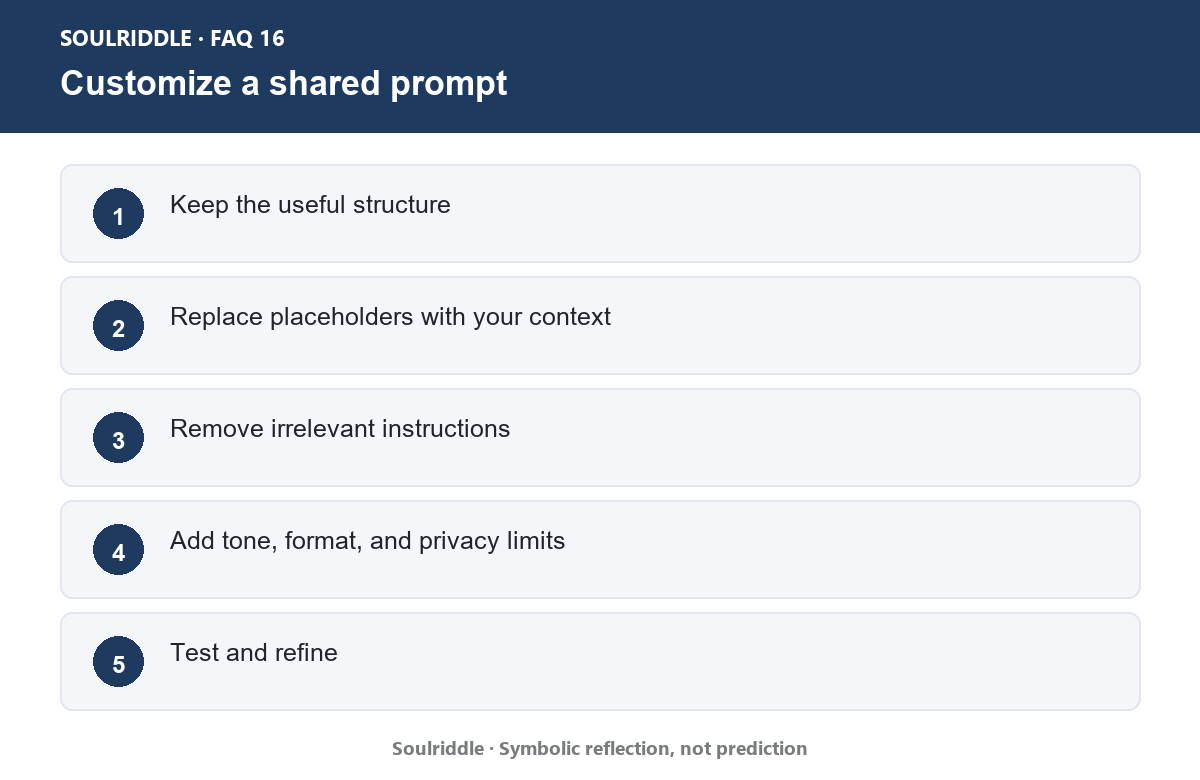
Customize a shared prompt
What to avoid
Do not copy a prompt verbatim without checking what data it requests. Avoid pasting in personal or third-party details just because the template has a blank for them. Do not assume a prompt is high quality because it is popular. If the prompt promises certainty, guaranteed predictions, or diagnosis, treat that as a warning sign.
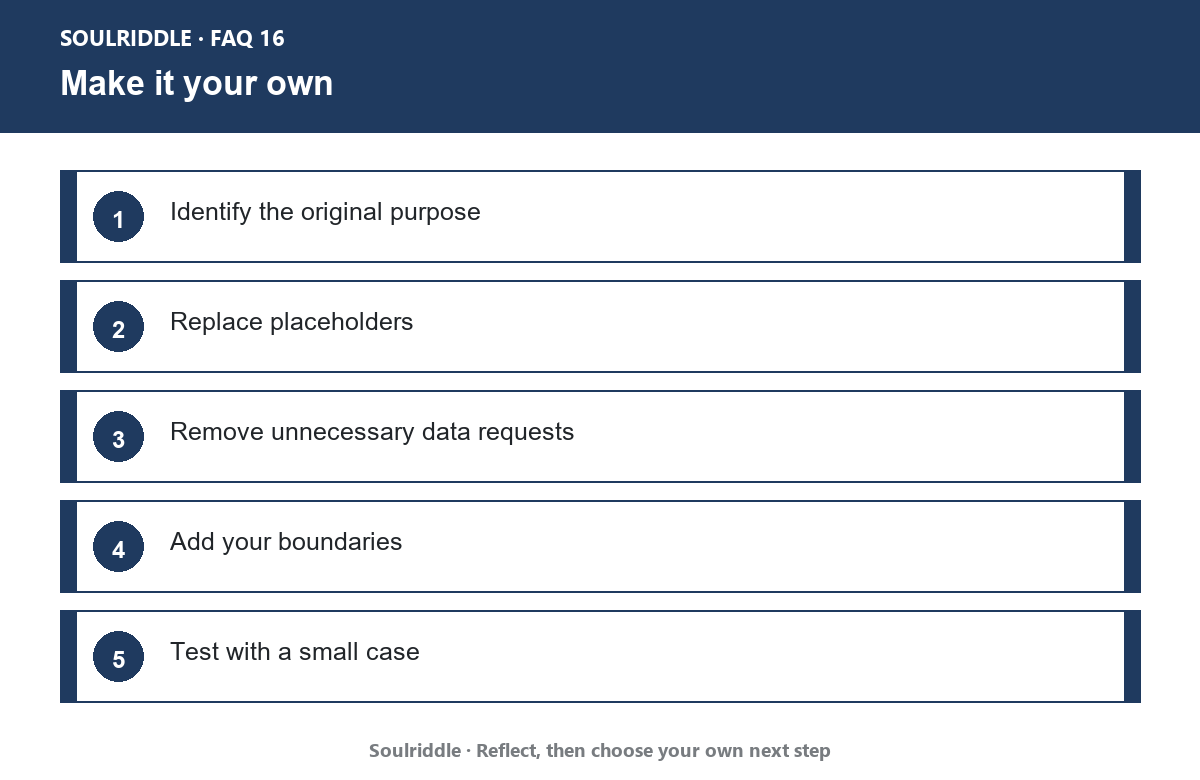
Make it your own
A prompt you can adapt
I found a community prompt that asks me to [original purpose]. I want to use it for [my goal]. Please keep the useful structure, replace placeholders with general context, remove anything that asks for certainty or sensitive data, and format the result as [desired output].
Key takeaway
Key takeaway: Customize a community prompt by keeping its structure, replacing placeholders, removing what does not fit, and testing the result before regular use.
Source
Source page: Prompt engineering - Wikipedia
Open source page: view the linked page
Open source ↗
Source page screenshot: Prompt engineering - Wikipedia